
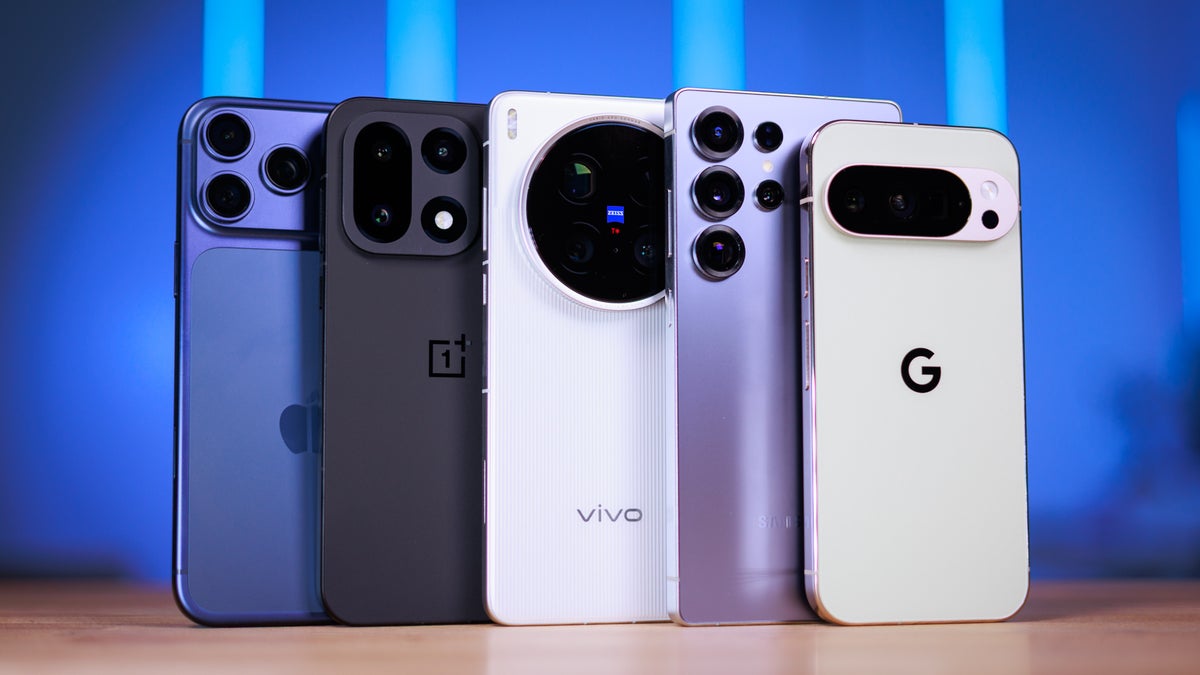
Buying a smartphone today can be confusing because there are many brands, models, and features available in the market. Every phone looks attractive, but not all phones are suitable for everyone. This mobile buying guide will help you understand the most important factors to consider before buying a smartphone. By checking these features carefully, you can choose a phone that fits your needs, budget, and daily usage.
1. Budget
The first step in this mobile buying guide is deciding your budget. Smartphones come in different price ranges, and each category offers different features.
Budget smartphones:
These phones are affordable and suitable for basic tasks like calling, messaging, browsing, and social media. They usually have average cameras and processors.
Mid-range smartphones:
These phones provide better performance, improved cameras, and smoother displays. They are good for multitasking, entertainment, and moderate gaming.
Premium smartphones:
Premium phones come with powerful processors, excellent cameras, advanced displays, and high build quality. They are ideal for heavy users, gamers, and professionals.
Choosing the right budget helps narrow down your options and makes it easier to find the best phone.
2. Processor
The processor is the most important component of a smartphone because it controls how fast the phone works. A powerful processor improves performance, gaming experience, and multitasking.
Popular smartphone processors include:
- Qualcomm Snapdragon
- MediaTek Dimensity
- Apple A-series chips
- Samsung Exynos
If you use your phone for gaming, video editing, or heavy apps, choose a phone with a powerful processor. For normal daily tasks, a mid-range processor will work perfectly.
3. RAM and Storage
RAM helps the phone run multiple apps at the same time. More RAM allows smoother multitasking and better performance.
Typical RAM options include:
- 4GB RAM: Basic use like calling, browsing, and social media
- 6GB RAM: Good for regular users and moderate multitasking
- 8GB RAM or more: Best for gaming and heavy usage
Storage is used to store photos, videos, apps, and documents.
Common storage options:
- 64GB: Basic usage
- 128GB: Recommended for most users
- 256GB or more: Ideal for heavy users
If you take many photos or download many apps, choose higher storage.
4. Display Quality
The display is important because you interact with it constantly. A good display improves the experience of watching videos, gaming, and browsing.
Important display features to check:
- Screen size (usually between 6 and 6.8 inches)
- Full HD+ resolution for clear visuals
- AMOLED or OLED display for better colors and brightness
- 120Hz refresh rate for smooth scrolling
Phones with AMOLED displays usually provide better picture quality than LCD screens.
5. Camera Quality
Many people buy smartphones mainly for photography. Smartphone cameras have improved greatly in recent years.
Things to check in camera features:
- Megapixels (MP) of the main camera
- Night mode for low-light photos
- Portrait mode for background blur
- Video recording quality
Most modern smartphones come with 50MP or higher cameras, which can capture clear and detailed photos.
Also check the front camera if you take many selfies or make video calls.
6. Battery Life
Battery life is another important factor in this mobile buying guide. A phone with a larger battery can last longer during the day.
Battery capacity is measured in mAh.
Typical battery sizes:
- 4000mAh: Average battery life
- 5000mAh: All-day usage for most users
- 6000mAh or more: Excellent battery life
Fast charging is also useful because it charges the phone quickly.
7. Software and Updates
Software determines how smooth and secure your phone will be. Most smartphones run Android, while Apple phones run iOS.
Choose phones that offer:
- Latest Android or iOS version
- Regular security updates
- Clean and user-friendly interface
Phones that receive regular updates will perform better and stay secure for a longer time.
8. Connectivity and Additional Features
Modern smartphones also include many additional features such as:
- 5G connectivity for faster internet
- Fingerprint scanner or face unlock
- Stereo speakers
- Water resistance
- Expandable storage
These features improve the overall user experience.
Conclusion
Choosing the right smartphone becomes easier when you understand the important features. This mobile buying guide explains the key factors such as budget, processor, RAM and storage, display quality, camera quality, battery life, and software updates. By comparing these features carefully, you can select the best smartphone that meets your needs and offers the best value for your money.