A Hard Disk Drive (HDD) is one of the most commonly used storage devices for storing large amounts of data such as movies, photos, documents, and backups. Even though newer technologies like SSDs are available, HDDs are still popular because they offer high storage capacity at a lower price. This HDD buying guide will help you understand everything you need to know before buying a hard disk.
1. Storage Capacity
The most important factor in this HDD buying guide is storage size.
- 500GB – 1TB: Suitable for basic users
- 1TB – 2TB: Recommended for most users
- 4TB or more: Best for heavy storage and backups
If you store movies, games, or large files, choose higher capacity.
2. Speed (RPM)
HDD performance depends on its speed, measured in RPM (Revolutions Per Minute).
- 5400 RPM: Slower but power-efficient
- 7200 RPM: Faster and better performance
👉 If you want faster file transfer, choose 7200 RPM.
3. Internal vs External HDD
There are two types of HDD:
Internal HDD
- Installed inside a laptop or desktop
- Used as main storage
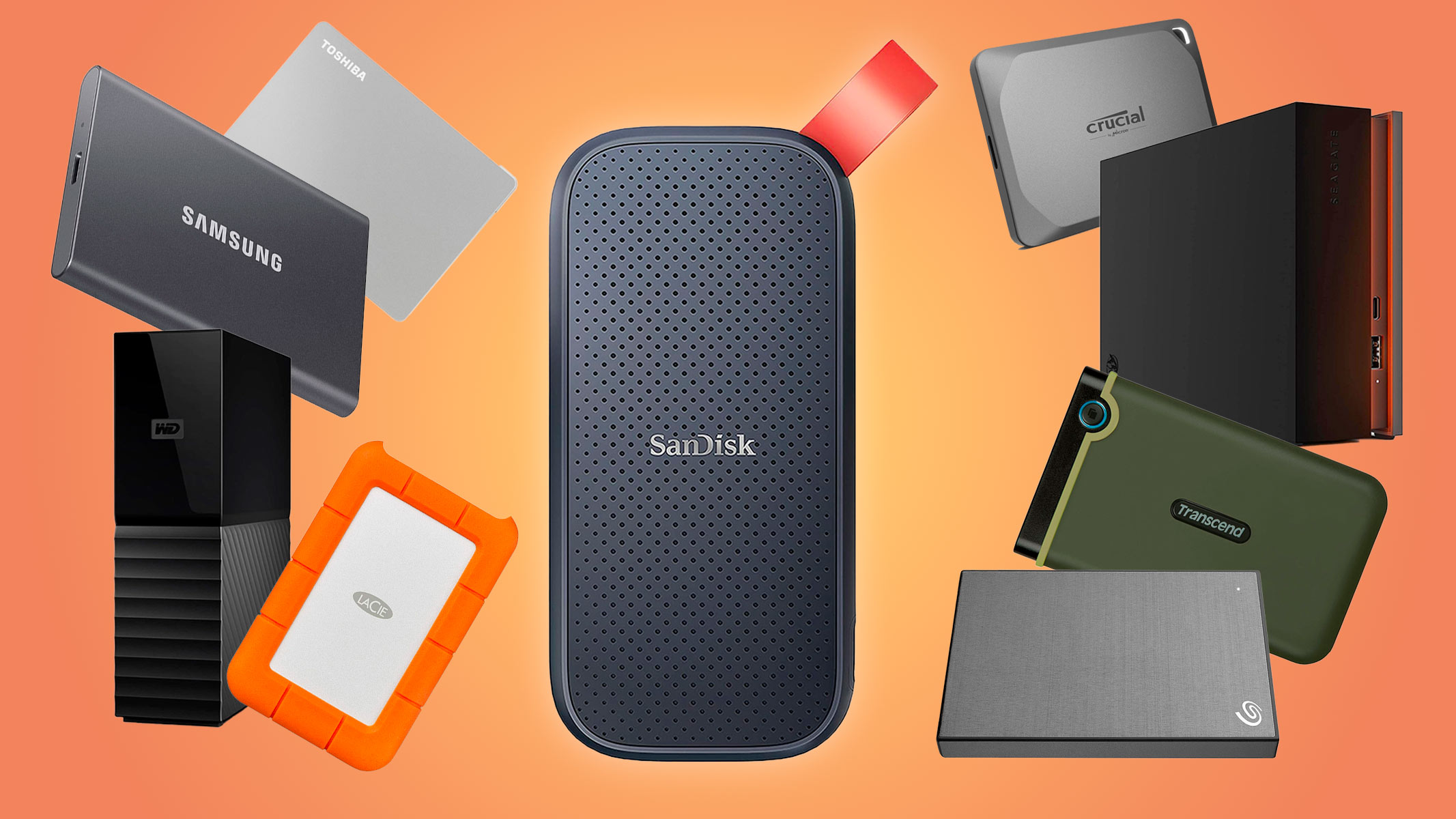
External HDD
- Portable and easy to carry
- Connects via USB
- Best for backup and extra storage
👉 External HDD is ideal for students and professionals.
4. Cache Memory
Cache memory improves HDD performance.
- Higher cache (like 64MB or 128MB)
- Faster data access
👉 Always choose a hard disk with higher cache size for better performance.
5. Connectivity
Connectivity affects transfer speed.
- USB 2.0: Slow
- USB 3.0 / 3.1 / 3.2: Fast
- USB-C: Modern and faster
👉 Always choose USB 3.0 or higher.
6. Build Quality and Durability
External HDDs come in different builds:
- Plastic body (basic use)
- Metal body (durable)
- Shockproof drives (best for travel)
If you carry your drive often, choose a strong and compact design.
7. Noise and Heat
HDDs have moving parts, so:
- They may produce slight noise
- Can generate heat
👉 Choose branded HDDs for better quality and less noise.
8. Brand and Warranty
Always choose trusted brands:
- Seagate
- Western Digital (WD)
- Toshiba
Check for at least 1–3 years warranty.
9. Best Use Cases for HDD
HDD is best for:
- Backup storage
- Storing movies and videos
- Office files and documents
- Desktop storage expansion
Conclusion
This HDD buying guide explains that HDDs are perfect for users who need large storage at a lower cost. While they are slower than SSDs, they are still a great choice for backups and storing large files.