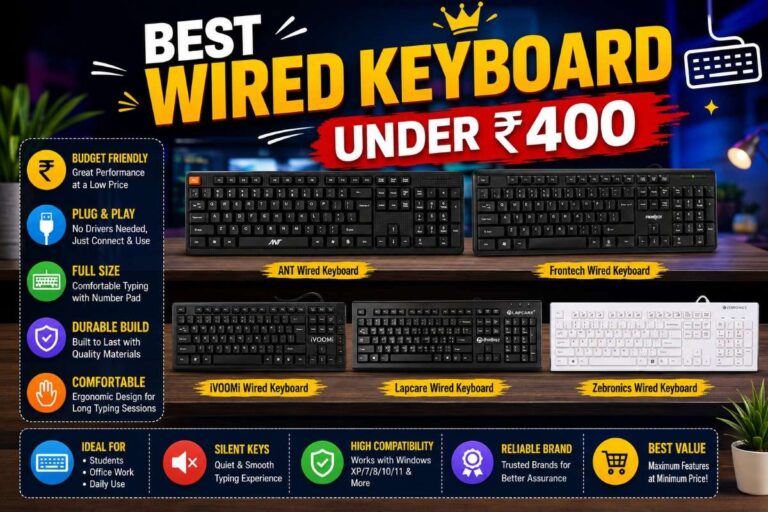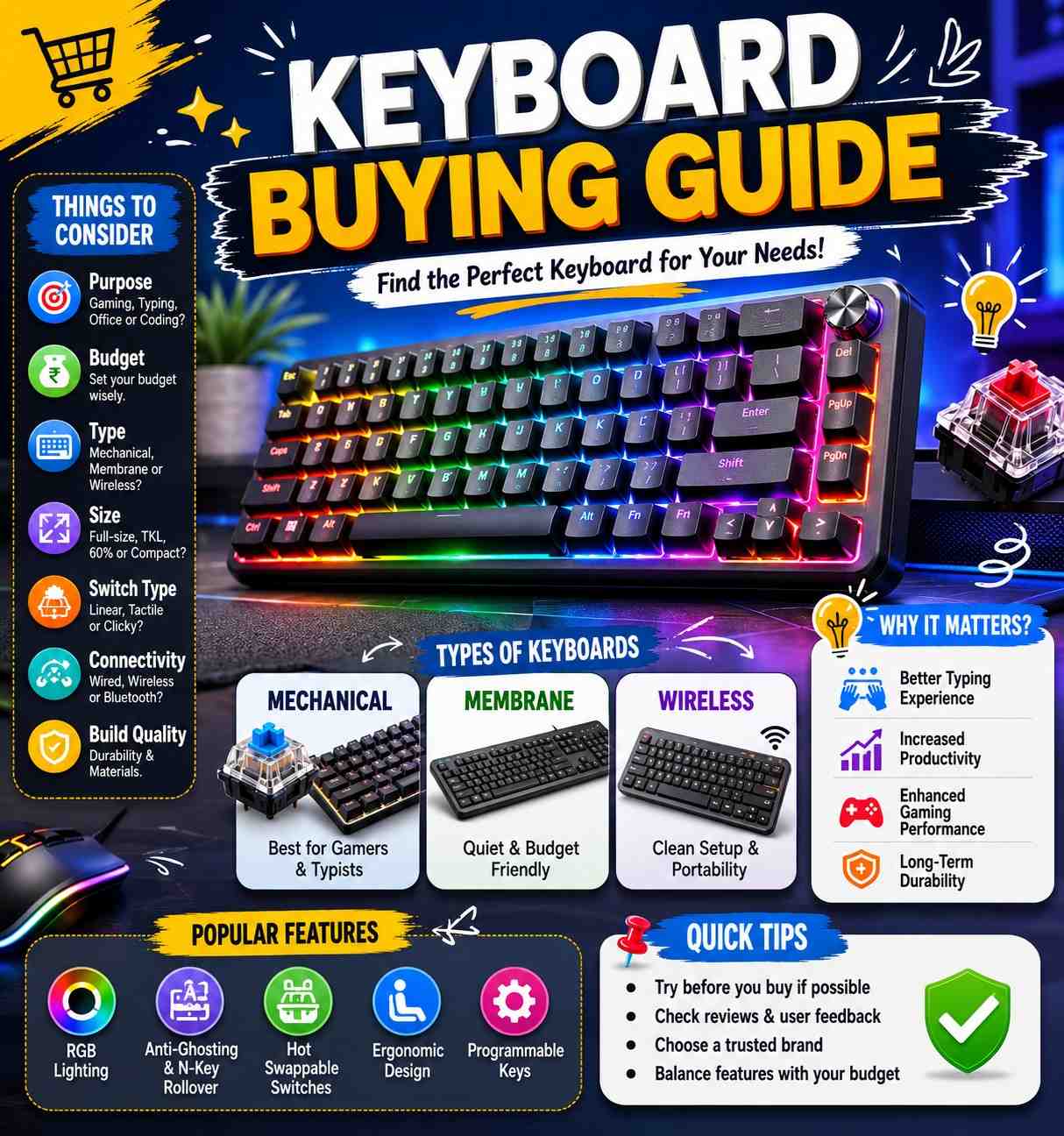
Keyboard Buying Guide – How to Choose the Best Keyboard
A keyboard is one of the most important computer accessories for students, office workers, programmers, gamers, and content creators. Whether you use a desktop computer, laptop, or tablet, the right keyboard can improve your comfort, typing speed, and productivity. However, with so many options available, choosing the right keyboard can be confusing. This keyboard buying guide will help you understand the important factors to consider before buying a keyboard.
1. Types of Keyboards
The first thing to understand is the type of keyboard.
Membrane Keyboard
Membrane keyboards are affordable and commonly used in homes and offices. They are quiet, lightweight, and suitable for everyday tasks.
Best for:
- Students
- Office work
- General use
Mechanical Keyboard
Mechanical keyboards use individual switches under each key. They offer better typing feedback, durability, and gaming performance.
Best for:
- Gamers
- Programmers
- Heavy typists
Wireless Keyboard
Wireless keyboards connect using Bluetooth or a USB receiver. They reduce cable clutter and provide a cleaner workspace.
Best for:
- Laptop users
- Office setups
- Home users
Ergonomic Keyboard
These keyboards are designed to reduce strain on your hands and wrists during long typing sessions.
Best for:
- Professionals
- Writers
- Users who type for long hours
2. Wired vs Wireless Keyboard
Wired Keyboard
Advantages:
- Stable connection
- No battery required
- Usually cheaper
Disadvantages:
- More cables on your desk
Wireless Keyboard
Advantages:
- Clean setup
- Easy to carry
- More flexibility
Disadvantages:
- Requires batteries or charging
Choose a wired keyboard for reliability and a wireless keyboard for convenience.
3. Keyboard Size and Layout
Keyboards come in different sizes.
Full-Size Keyboard
Includes:
- Number pad
- Function keys
- Arrow keys
Best for:
- Office work
- Data entry
Tenkeyless (TKL)
Removes the number pad to save space.
Best for:
- Students
- Gamers
- Compact desks
Compact Keyboard (60% or 75%)
Smaller design with fewer keys.
Best for:
- Travel
- Minimalist setups
4. Comfort and Typing Experience
Comfort is very important, especially if you type for long hours.
Look for:
- Comfortable key spacing
- Adjustable height
- Wrist support
- Good key travel
A comfortable keyboard helps reduce fatigue and improves productivity.
5. Mechanical Switch Types
If you choose a mechanical keyboard, understanding switch types is important.
Red Switches
- Smooth and quiet
- Popular among gamers
Blue Switches
- Clicky sound
- Excellent typing feedback
Brown Switches
- Balanced typing and gaming experience
Choose the switch type based on your preference.
6. Connectivity Options
Modern keyboards offer multiple connectivity options.
USB Connection
- Reliable
- Plug and play
Bluetooth
- No USB port needed
- Ideal for laptops and tablets
2.4GHz Wireless
- Fast connection
- Low input delay
Bluetooth and 2.4GHz wireless are excellent choices for wireless users.
7. Backlighting and RGB Features
Many keyboards include backlighting.
Benefits:
- Easier typing in low light
- Attractive appearance
- Gaming-friendly design
RGB keyboards allow you to customize lighting effects and colors.
8. Battery Life
For wireless keyboards, battery life is important.
Look for:
- Long-lasting battery
- Rechargeable design
- USB-C charging support
Good wireless keyboards can last weeks or even months on a single charge.
9. Build Quality and Durability
A durable keyboard lasts longer and provides a better experience.
Check:
- Strong frame
- Quality keycaps
- Reliable switches
- Spill resistance
Higher build quality often means better long-term value.
10. Gaming Features
If you are a gamer, consider additional features.
Important gaming features:
- Anti-ghosting
- N-key rollover
- Fast response time
- Mechanical switches
- RGB lighting
Gaming keyboards are designed to provide faster and more accurate inputs.
11. Compatibility
Before purchasing, make sure the keyboard supports your device.
Check compatibility with:
- Windows
- macOS
- Android
- iPadOS
- Linux
Some keyboards support multiple operating systems and devices.
12. Brand and Warranty
Choosing a trusted brand ensures better quality and support.
Popular keyboard brands:
- Logitech
- HP
- Dell
- Lenovo
- Redragon
- ASUS
- Corsair
- Keychron
Always check the warranty before purchasing.
Overall
Choosing the best keyboard depends on your needs and budget. Office users should focus on comfort and reliability, while gamers may prefer mechanical keyboards with gaming features. Wireless keyboards are great for clean setups, and ergonomic keyboards help reduce strain during long typing sessions. By considering keyboard type, size, connectivity, comfort, build quality, and features, you can easily find the perfect keyboard for your work, study, or gaming needs.